Free online lighting design software
Draw or upload your floor plan, let LAL Light Studio place the luminaires and check lux levels against EN 12464-1, in 3D, right in your browser. Nothing to install.
- No installation · runs in the browser
- EN 12464-1 lux targets per room
- Built by a lighting company with 18 years of experience
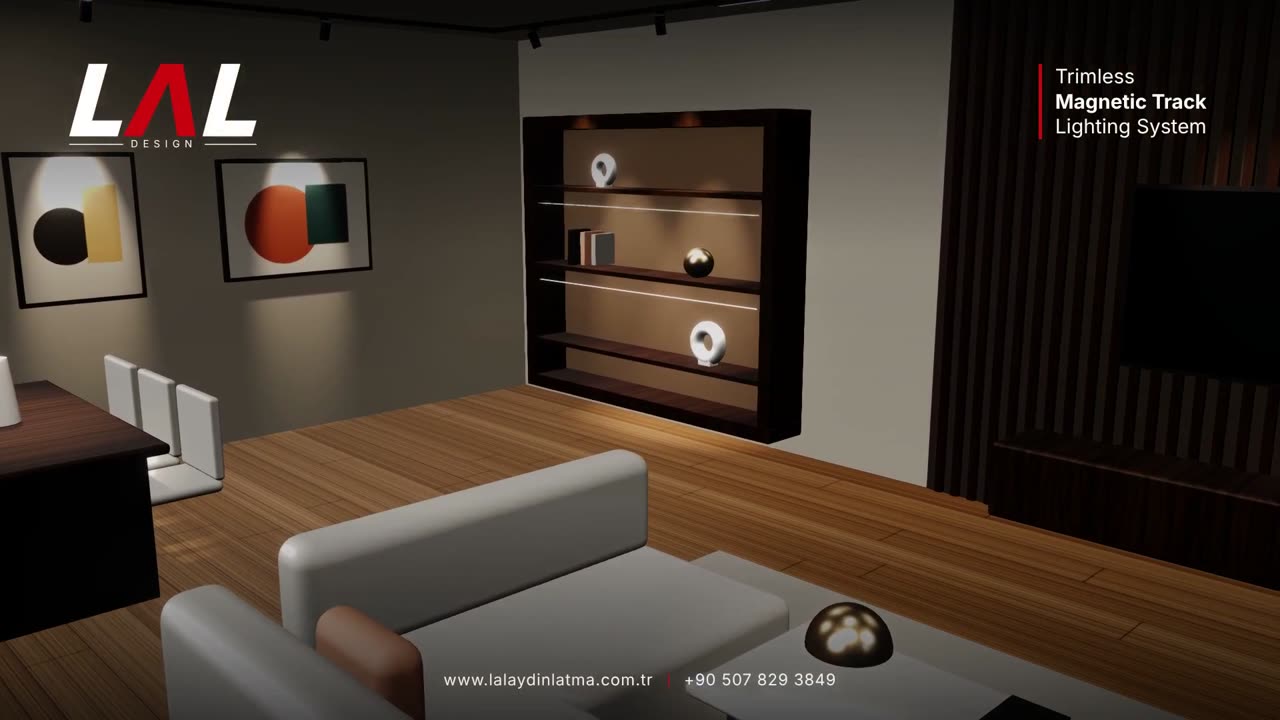
Everything you need for a lighting concept
Draw walls and rooms, import an AutoCAD DXF, or start from ready templates: apartment, villa, office, hotel, restaurant, shop, school and more.
Each room gets a layout matched to its use and target illuminance, using real LAL DESIGN luminaires with lumen, wattage and beam data.
Average and minimum illuminance and uniformity for every room, compared with EN 12464-1 targets, with a light map to spot dark corners.
Orbit the project, walk inside, switch to night view, see light cones, and export HD images or a short video tour.
Tap a spotlight to tilt and rotate it, dim it, change the colour temperature (2700–4000 K) and see exactly where the light lands.
A priced material list is built as you design. Export a PDF proposal or send a quote request to our team in one click.
How it works
Draw it, import a DXF or choose a template.
Luminaires are placed and calculated automatically; adjust anything you like.
Download images and a PDF, or request a quote for the exact products in your project.
Who it is for
Present lighting concepts with real numbers and 3D images in the same meeting.
Get fixture counts, wattage and a material list for your bid, fast.
Turn a customer’s plan into a lit 3D proposal and a priced list.
See how your home will look at night before you buy a single light.
A browser-based alternative to desktop lighting software
Desktop programs such as DIALux or Relux are the reference for detailed photometric documentation. LAL Light Studio is built for the step before: fast concept design, quick lux checks and a ready material list, on any computer, tablet or phone, without installation or training.
| LAL Light Studio | Typical desktop lighting software | |
|---|---|---|
| Installation | None — open it in the browser | Desktop installation |
| Time to first result | Minutes, with templates and automatic layout | Usually a longer setup |
| Devices | Computer, tablet, phone | Mainly desktop computers |
| Output | 3D, HD images, lux results, priced bill of materials, PDF | Detailed photometric reports |
Frequently asked questions
Is LAL Light Studio really free?
Yes. You can open the studio, design a project and see lux results for free, without installing anything.
Which standard are the calculations based on?
Offices, shops and other indoor workplaces are checked against the recommended illuminance values of EN 12464-1. EN 12464-1 does not cover homes, so residential rooms are compared with commonly used recommended values. Results include average and minimum lux and uniformity.
Can I import AutoCAD drawings?
Yes. Upload a DXF floor plan; walls and rooms are detected and you can correct them in the editor.
Does it work on a phone or tablet?
Yes. The studio runs in modern browsers on computers, tablets and phones.
Which luminaires can I use?
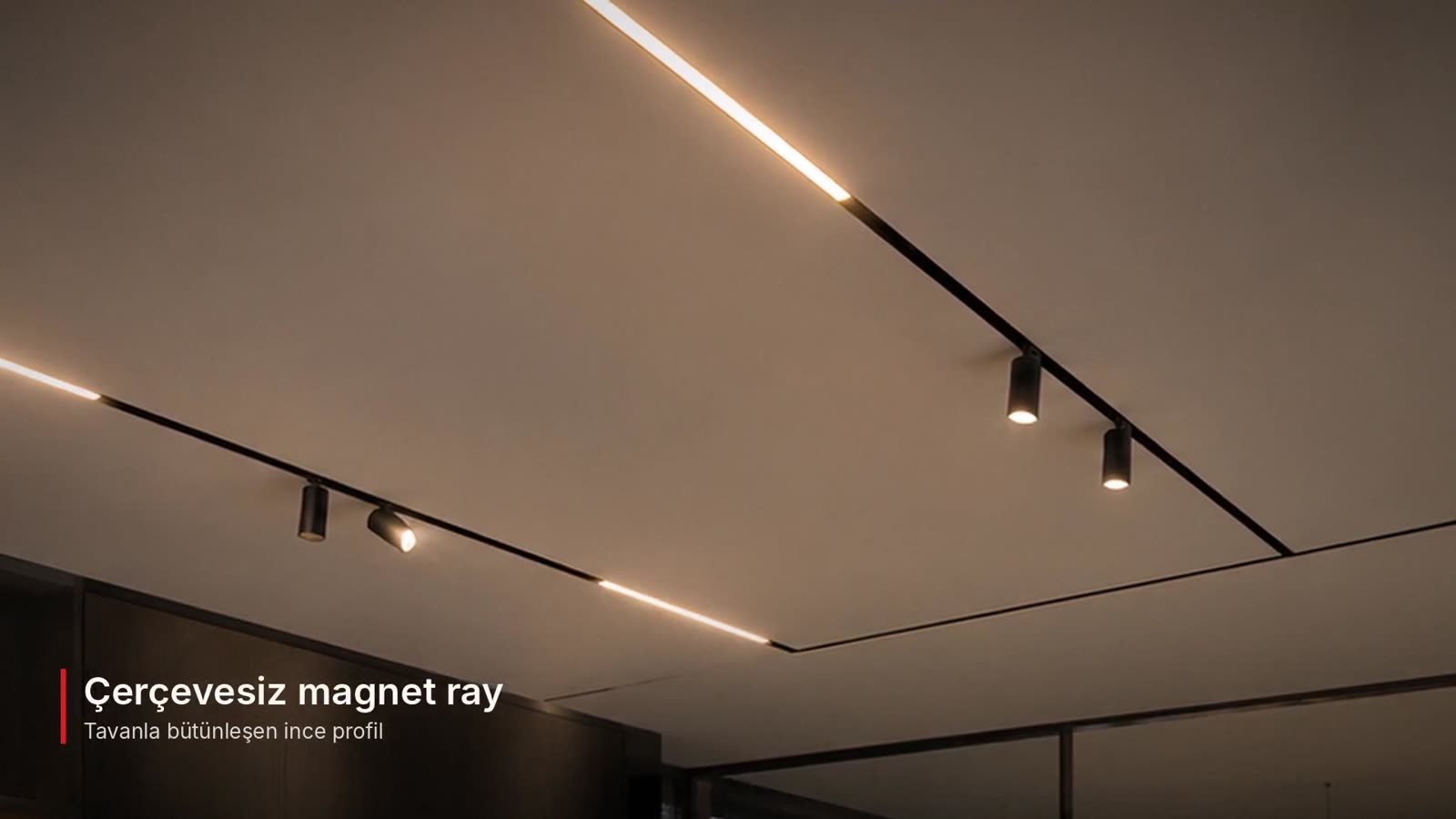
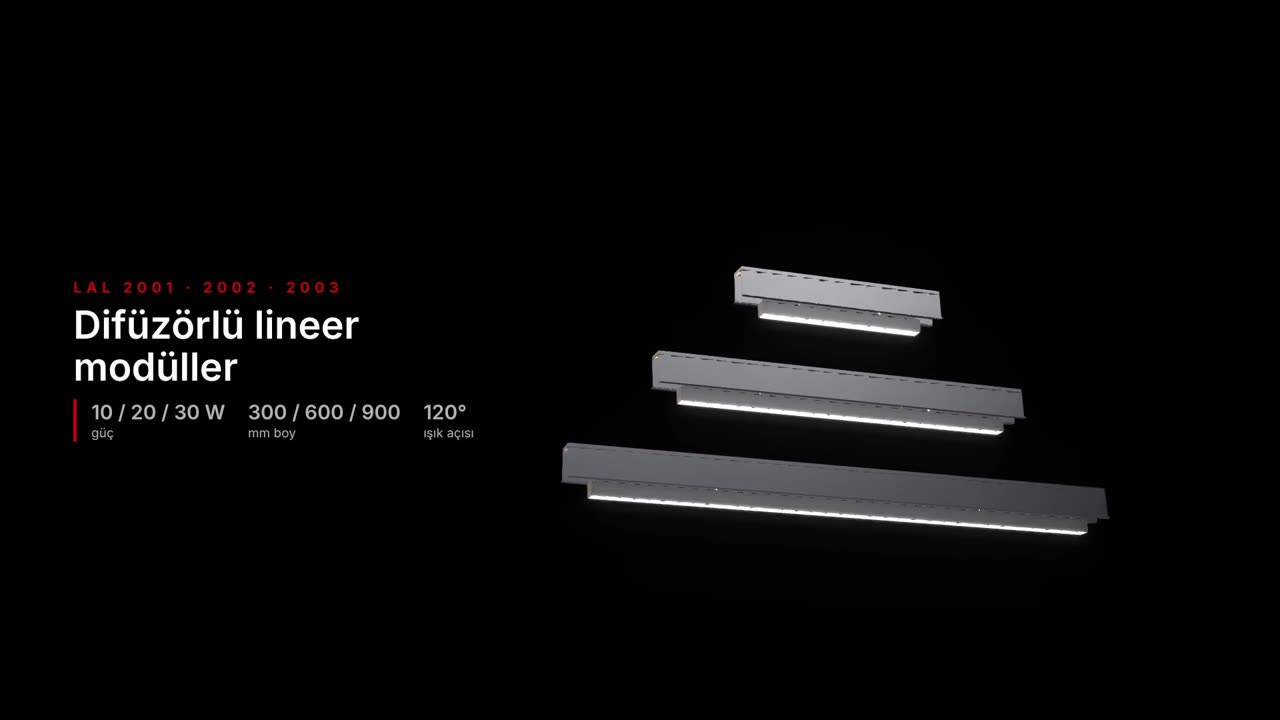
The studio uses the LAL DESIGN catalogue — magnetic track, downlights, linear and decorative luminaires — with real technical data, so the material list matches products you can order.
Can I get a quote for my project?
Yes. Send a quote request from the studio and our team in İzmir, Turkey will reply. International projects are welcome.